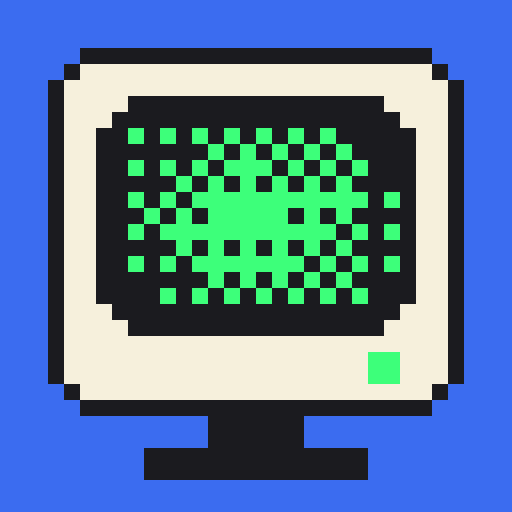
Menu bar
What the CRT icon in the menu bar is telling you.
IdleScreen lives in the menu bar as a small CRT icon. It shows one of five states. When more than one is true, the first in this list wins, so a problem is never hidden behind a phase.
| Order | State | Means |
|---|---|---|
| 1 | Needs setup | The screen saver isn't registered or embedded, or isn't selected. |
| 2 | Needs attention | An agent signal is waiting on you. |
| 3 | Camera preview on | The Studio camera preview is attached and showing frames. |
| 4 | Screen saver running | The screen saver is running or starting. |
| 5 | Ready | None of the above. |
Camera and running animate between two frames. With Reduce Motion on, the icon holds a single frame.
The menu has Start IdleScreen, Open IdleScreen…, Screen Saver Settings…, Open Diagnostics… and Quit IdleScreen.
Closing the main window drops the Dock tile and keeps IdleScreen in the menu bar.